In this guide:
A great gaming TV is not just a TV with "Game Mode" stamped on the box. The difference between a purpose-built gaming display and a standard TV can mean the gap between winning and losing online — or simply the difference between motion that feels smooth and motion that looks like a blurred mess. Here's what separates them.
The Specs That Actually Matter
| Spec | What you want | Why it matters |
|---|---|---|
| Input lag | Under 15ms (Game Mode) | Time between controller input and on-screen response |
| Refresh rate | 120Hz native | Smoother motion, up to 120fps from PS5/Xbox Series X |
| Resolution | 4K | PS5 and Xbox Series X output native 4K at up to 120fps |
| HDMI version | HDMI 2.1 (at least 2 ports) | Required for 4K/120Hz simultaneously |
| VRR support | Yes (ideally HDMI VRR + FreeSync) | Eliminates screen tearing |
| ALLM | Yes | Automatically switches to Game Mode when console detected |
HDMI 2.1: Why It's Non-Negotiable for Next-Gen Gaming
HDMI 2.0 — found on most TVs sold before 2021 — has a maximum bandwidth of 18 Gbps. That's enough for 4K at 60Hz. But 4K at 120Hz requires 48 Gbps — more than twice as much. Without HDMI 2.1, you simply cannot receive a 4K/120fps signal from a PS5 or Xbox Series X.
The confusion: many manufacturers labelled HDMI 2.0 ports as "HDMI 2.1" because the spec allowed it. Look for ports specified as "48 Gbps bandwidth" or "4K@120Hz" rather than just "HDMI 2.1" to be sure you're getting the real thing.
VRR, ALLM and G-Sync: Explained Simply
VRR (Variable Refresh Rate) — Rather than the TV refreshing at a fixed 60 or 120 times per second, VRR lets the refresh rate fluctuate to match whatever frame rate the console is outputting. If your PS5 drops to 87fps in a demanding scene, a VRR TV drops to 87Hz rather than showing a partial frame. Result: no tearing, no judder.
There are three VRR standards: HDMI VRR (the open standard, supported by PS5 and Xbox), AMD FreeSync (for PC gaming over HDMI), and NVIDIA G-Sync Compatible (for NVIDIA GPU owners). Most modern gaming TVs support at least HDMI VRR and FreeSync Premium. G-Sync Compatible TVs are rarer but worth it for PC gamers.
ALLM (Auto Low Latency Mode) — When your console sends the correct HDMI signal, the TV automatically switches to Game Mode without you having to navigate menus. Small feature, genuinely useful. All modern TVs support it, but older models don't.
OLED vs LED: Which Is Better for Gaming?
OLED wins for competitive gaming, hands down. Response times on OLED panels are sub-0.1ms — essentially instantaneous — compared to 1–4ms for the best LED panels. The motion clarity difference is visible even in casual play. Combined with perfect blacks that improve shadow detail in dark game environments, OLED is the benchmark for serious gamers.
The one caveat: burn-in. If you regularly pause the game with a static HUD on screen for hours, static elements can permanently etch into OLED panels over time. Modern OLED TVs have pixel-shifting and logo detection to mitigate this, and it's far less of an issue than it was in early OLED generations — but it's worth knowing.
LED Mini-LED TVs (like the Samsung QN90D or TCL C855) are a strong alternative: peak brightness significantly higher than OLED, zero burn-in risk, excellent for gaming in bright rooms. The trade-off is backlight blooming around bright objects in dark scenes.
Our Top Gaming TV Picks Right Now
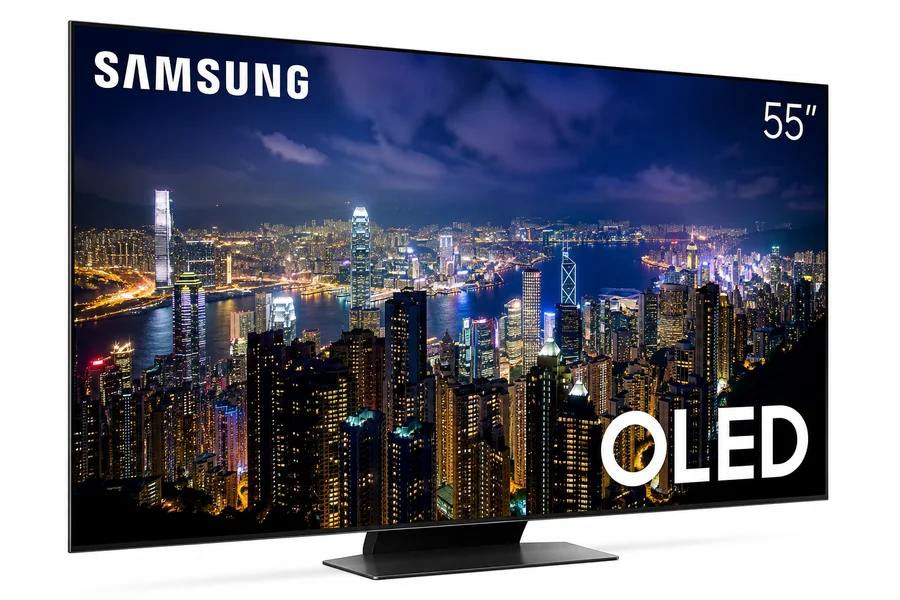
QD-OLED panel with 144Hz native refresh rate, 4× HDMI 2.1, VRR + FreeSync Premium Pro. The best all-round gaming TV in 2026.
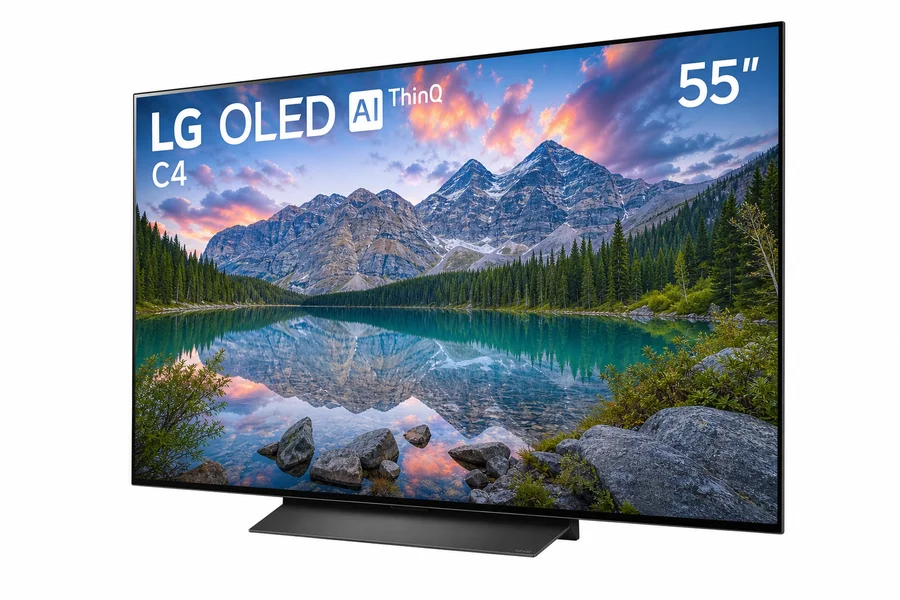
4× HDMI 2.1, 120Hz, sub-1ms response, G-Sync Compatible + FreeSync Premium. The go-to for PS5 and Xbox gamers.
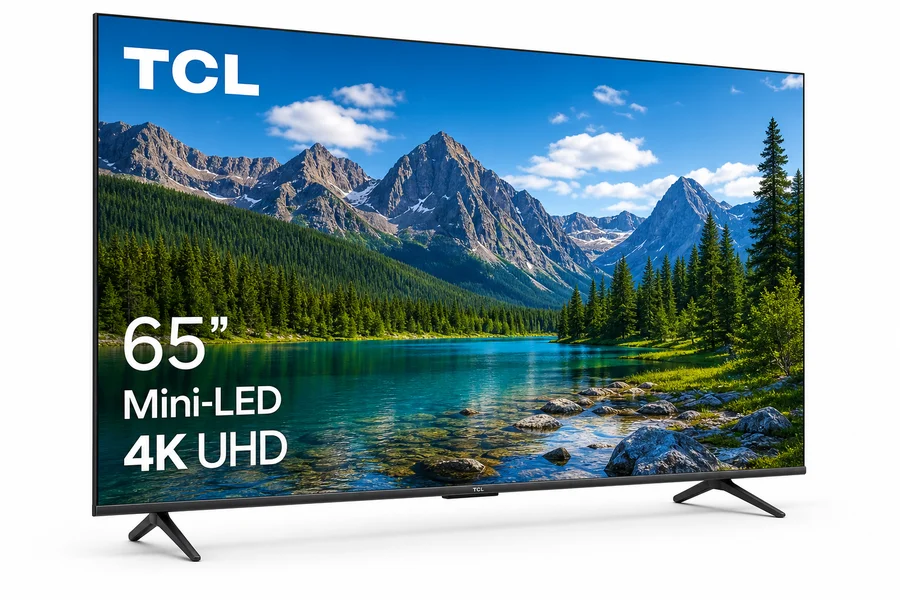
4,000-nit peak brightness, 144Hz, 4× HDMI 2.1, VRR. The best choice if you game in a bright room or worry about burn-in.